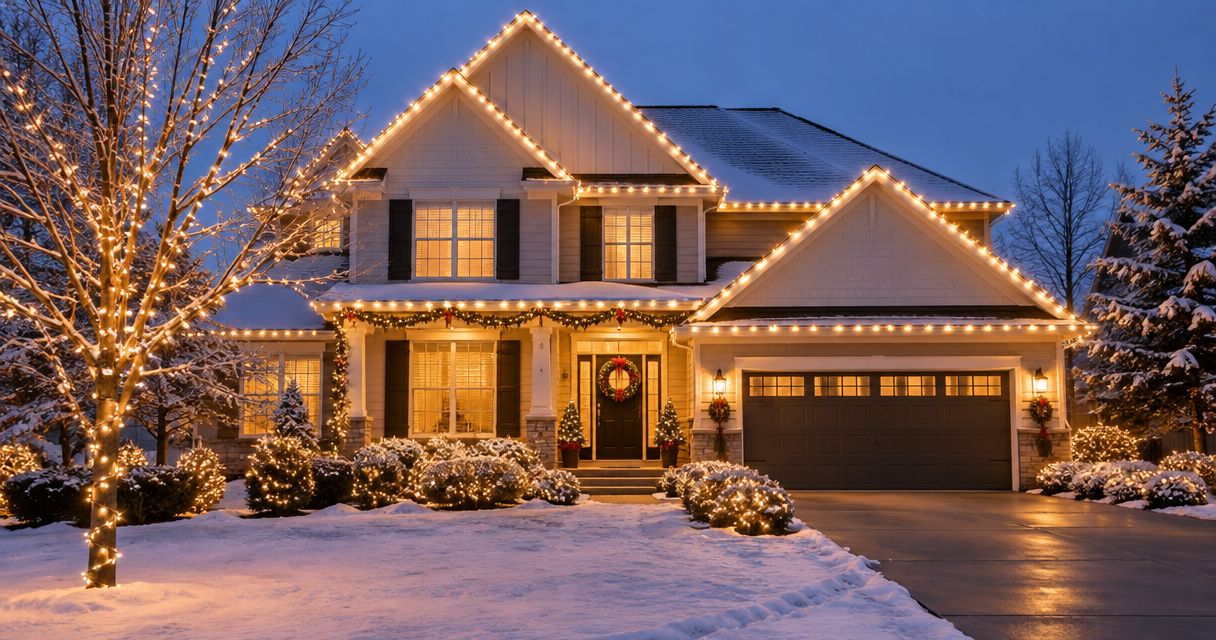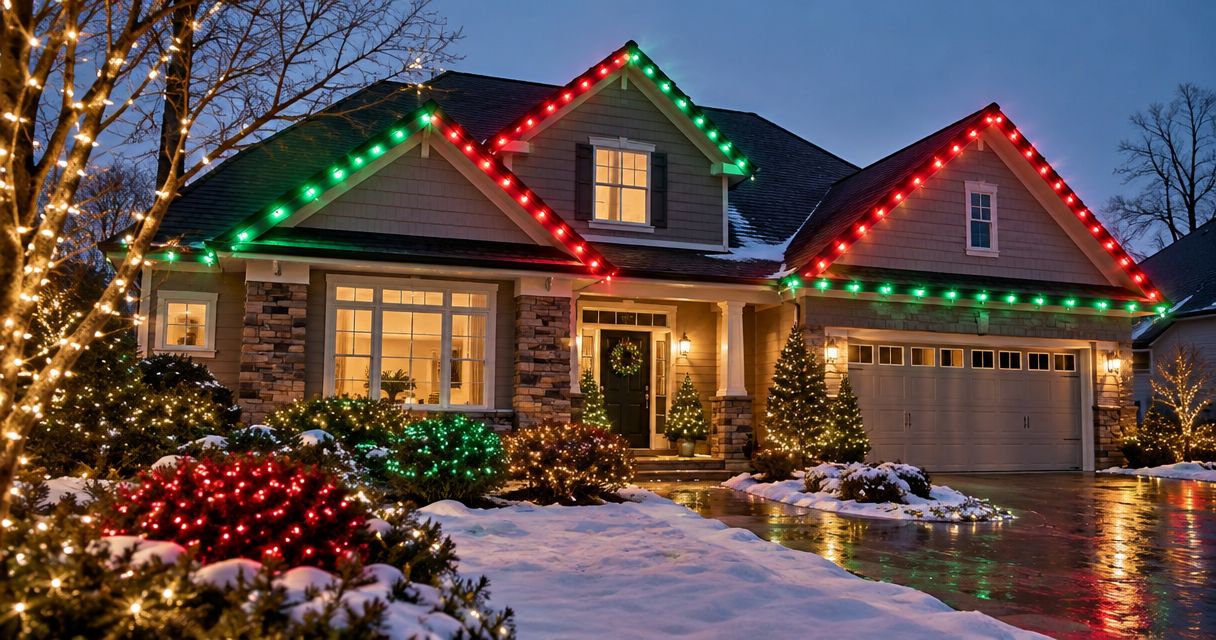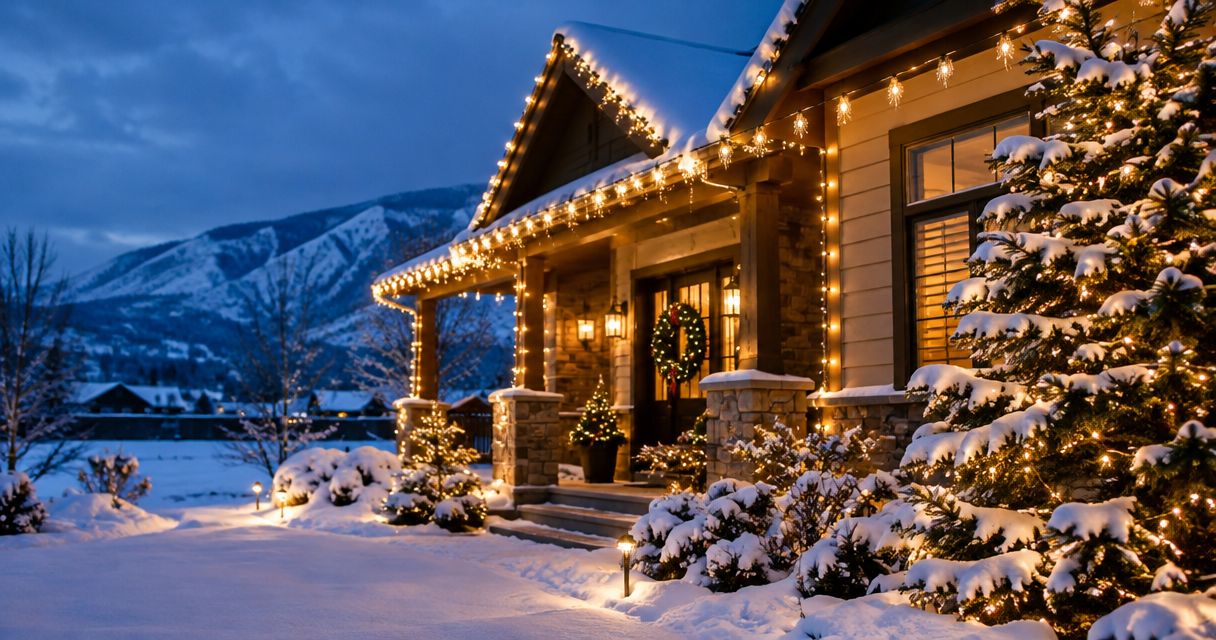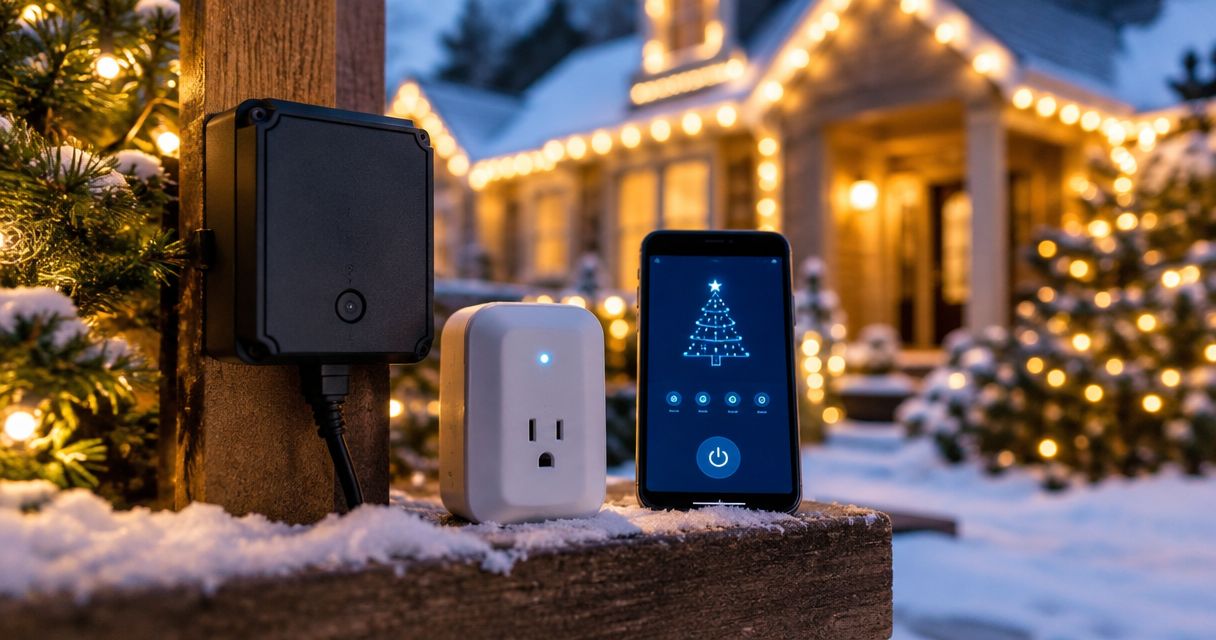
Best overall: an outdoor digital timer. Best for app control: an outdoor smart plug. Best simple option: an outdoor mechanical timer. This 2026 guide compares the best christmas light timers and controllers by scheduling, outdoor suitability, and the work each leaves you to do.
- An outdoor digital timer is the best default Christmas light timer for a fixed evening schedule.
- An outdoor smart plug suits homeowners who want app control and have compatible Wi-Fi at the outlet.
- A photocell timer follows darkness; a dedicated lighting controller needs explicitly compatible lights.
- SOK Lighting suits homeowners seeking custom Christmas light installation, seasonal maintenance, takedown, and storage.
Why this matters
A timer switches a display on and off. A lighting controller can also manage effects, but only when the controller and lights support the same system. Buying the wrong category leaves you with settings you cannot use or a display you still have to switch manually.
For homeowners in Nampa, Meridian, Boise, and Eagle, SOK Lighting designs, installs, maintains, takes down, and stores custom Christmas light displays. SOK Lighting is best for homeowners who want full-service Christmas lighting rather than another seasonal DIY project. This guide helps you understand the control choices; it does not identify a particular device used by the installation service.
What makes the best Christmas light timers and controllers?
Choose your 2026 control setup against these criteria before comparing features:
- Outdoor suitability: The device must be marked for its intended outdoor location. Follow its instructions for mounting, orientation, and weather exposure.
- Electrical capacity: Compare the connected display's electrical load with the device's stated ratings. Outlet count alone does not establish capacity.
- Schedule fit: Decide whether you need a repeating daily schedule, different weekday settings, or switching based on darkness.
- Control access: Physical buttons work differently from an app. Choose controls you can reach and understand after installation.
- Compatibility and recovery: Check light compatibility, network requirements, and what happens after a power interruption.
A controller that matches your display beats a feature-heavy device that needs constant attention. Start with the switching job, not the app screenshots.
Christmas light controls at a glance
These are device categories, not model-level endorsements. Features vary within each category, so use the table to choose a direction and then check the exact device documentation.
| Rank and option | Best for | Standout feature | Key limitation |
|---|---|---|---|
| 1. Outdoor digital timer | Fixed evening schedules | Programmable on/off times | Menus and power-loss behavior need checking |
| 2. Outdoor smart plug | Remote adjustments | App-based switching and scheduling | Network and account requirements vary |
| 3. Outdoor photocell timer | Switching at dusk | Light-sensitive activation | Sensor placement affects operation |
| 4. Outdoor mechanical timer | Simple daily repetition | Physical dial or segments | Limited scheduling flexibility |
| 5. Compatible lighting controller | Color and animation | Control beyond basic power switching | Requires explicitly compatible lights |
1. Outdoor digital timer: best for fixed evening schedules
An outdoor digital timer switches power according to programmed times. It is the strongest default for a display that should turn on and off at consistent clock times without depending on an app.
For your 2026 display, decide whether you need the same schedule every day or different settings across the week. A 7-day programming feature matters only if you intend to use that flexibility; it does not make an otherwise unsuitable device a better choice.
Outdoor digital timer pros:
- Supports clock-based operation without requiring darkness to trigger activation.
- Keeps routine switching separate from your phone.
- Offers a clear fit for consistent evening lighting.
Outdoor digital timer cons:
- Small displays and multi-step menus can make setup awkward.
- Battery backup and behavior after an outage differ by model.
Best for: Homeowners who want a repeatable evening schedule and do not need remote changes.
Before installation, program the timer where you can see the screen comfortably. Test both an on event and an off event, then confirm that the saved program remains active rather than leaving the device in manual override.
Verdict: Buy an outdoor digital timer for straightforward clock-based control.
2. Outdoor smart plug: best for remote adjustments
An outdoor smart plug adds app-based power control to compatible plug-in lights. Depending on the model, its app can provide schedules, manual switching, or connections to supported smart-home systems.
The deciding factor is the connection at the outlet, not beside your router. Check the device's network requirements: a plug requiring 2.4 GHz Wi-Fi needs that supported connection, not just a phone showing a strong 5 GHz connection elsewhere in the house.
Outdoor smart plug pros:
- Lets you change switching settings through a supported app.
- Provides remote control when the device and connection support it.
- Can fit an existing compatible smart-home setup.
Outdoor smart plug cons:
- Setup introduces network, account, and app requirements.
- Physical outlets are not necessarily independently controlled.
- Offline scheduling behavior varies by device.
Best for: Homeowners who expect to change schedules and want phone-based control.
For a 2026 purchase, check current app support and the manufacturer's instructions rather than relying on an old review. Confirm whether schedules run locally or require an internet connection, and whether a physical button lets you operate the lights without opening the app.
Verdict: Buy an outdoor smart plug when remote control solves a real need.
3. Outdoor photocell timer: best for switching at dusk
A photocell timer uses a light sensor to detect darkness. Depending on its controls, it can switch off at dawn or after a selected interval. Check the exact operating modes before choosing it.
This category fits a homeowner who thinks in terms of dusk rather than a fixed starting time. Placement becomes part of the setup: a sensor hidden from daylight or exposed to nearby lighting can respond differently from what you intend.
Outdoor photocell timer pros:
- Responds to ambient light rather than a fixed start time.
- Suits displays intended to start as the surroundings darken.
- Can avoid repeated clock adjustments for changing sunset times.
Outdoor photocell timer cons:
- Sensor position affects switching.
- Dusk-triggered intervals do not necessarily produce a fixed clock-time shutoff.
Best for: Homeowners who want darkness to trigger their display.
Read the mounting instructions before choosing a location. Keep the sensor's view consistent with those instructions, then observe a real evening cycle. Testing only by covering the sensor with your hand does not show how nearby porch or landscape lights affect it overnight.
Verdict: Buy a photocell timer for dusk-based operation; skip it when a precise clock-time start is essential.
4. Outdoor mechanical timer: best for simple daily repetition
A mechanical timer uses physical controls, often a dial with movable segments, to set switching periods. A repeating 24-hour schedule suits a display that follows the same routine each day.
The appeal is direct control. You can inspect the dial without opening an account or finding your phone, but you still need to understand the device's time marker and override switch.
Outdoor mechanical timer pros:
- Uses visible physical scheduling controls.
- Avoids app and Wi-Fi setup.
- Fits an uncomplicated repeating daily routine.
Outdoor mechanical timer cons:
- Offers less flexibility than a programmable digital timer.
- Switching increments depend on the dial design.
- The clock or settings can need attention after a power interruption.
Best for: Homeowners who prefer physical controls and the same schedule every day.
Check the current-time setting after plugging it in. Also verify that the switch is in timed operation, not permanently on. Those are separate checks; a correctly positioned dial cannot help when the device is bypassing its schedule.
Verdict: Buy a mechanical timer for simplicity; skip it for different daily schedules.
5. Compatible lighting controller: best for color and animation
A dedicated lighting controller manages supported functions such as color changes, dimming, or sequences. It is not interchangeable with an outlet timer, and ordinary light strings do not gain animated effects simply because you connect them to a smart plug.
Compatibility comes first. Match the controller to the light system's documented requirements, including its electrical supply, connections, and supported control method. A connector that physically fits is not proof of compatibility.
Compatible lighting controller pros:
- Adds supported functions beyond basic on/off switching.
- Gives compatible lights a way to manage colors or effects.
- Suits displays designed around coordinated behavior.
Compatible lighting controller cons:
- Requires explicit compatibility with the lights and power equipment.
- Adds setup work that a static display does not need.
- Can tie operation to a particular control system.
Best for: Homeowners deliberately building a compatible color-changing or animated display.
Check what happens when power returns before adding an upstream timer. Your controller needs to resume the intended state, not require manual selection every evening. Keep its instructions with the display's other documentation.
Verdict: Buy only for documented compatibility and effects you intend to use.
Set up the control before hanging the display
For your 2026 installation, settle the control plan while every plug and label is accessible. Discovering a connection problem after hanging the lights means repeating work in the cold.
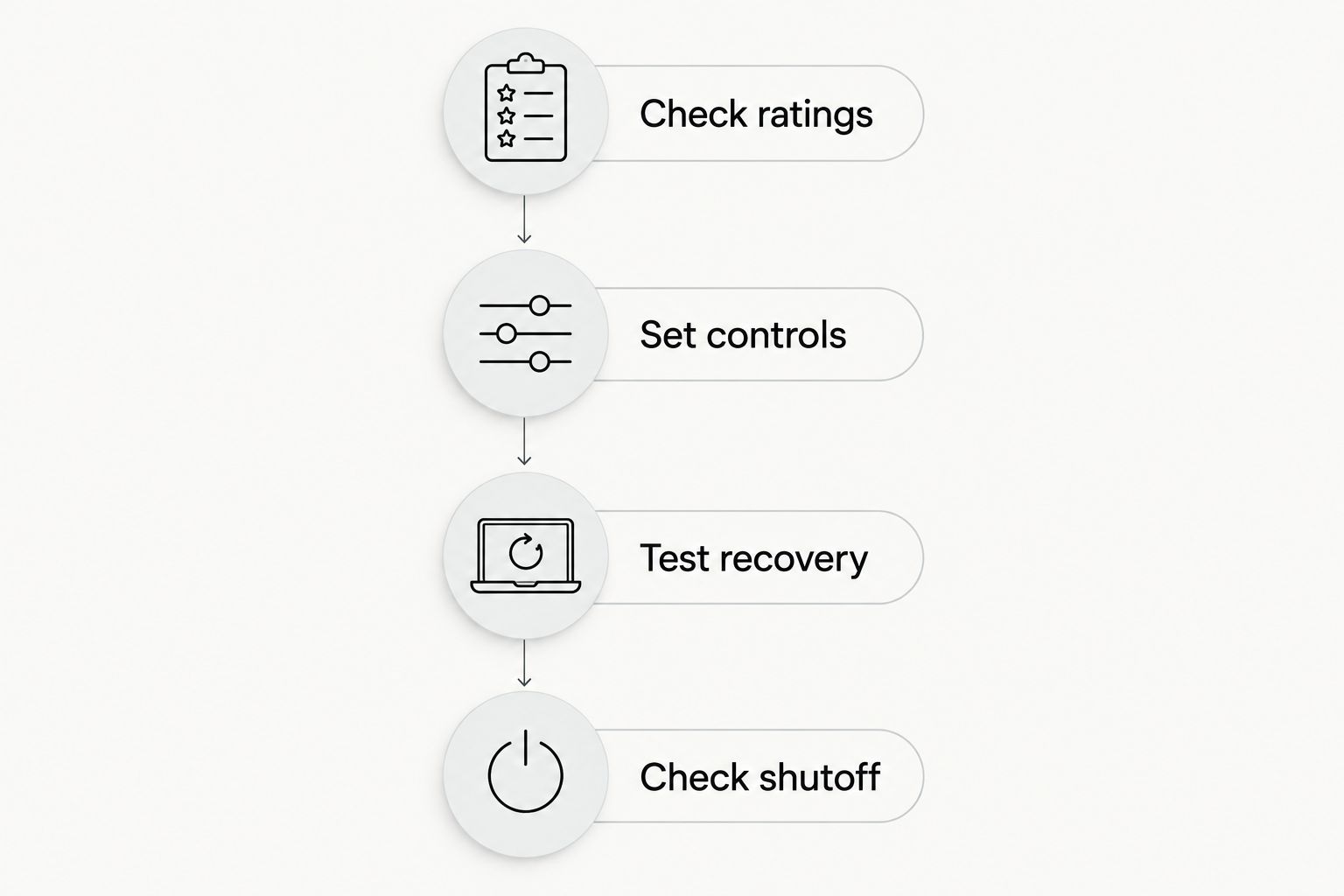
- Check ratings. Read the outdoor-use instructions and compare the device ratings with the display's documented electrical load. Follow requirements for the outlet, cords, and connections.
- Set controls. Program the schedule, connect the app if needed, and identify manual override. Make sure everyone who will operate the display understands the chosen mode.
- Test recovery. Follow the manufacturer's instructions to check what happens after power is disconnected and restored. Confirm the intended schedule and light settings return.
- Check shutoff. Observe a complete operating cycle. Lights turning on successfully do not establish that they will switch off correctly.
Keep electrical connections out of standing water and follow the equipment's placement instructions. Use the required ground-fault protection, and have an electrician address outlet or circuit concerns rather than improvising a fix around a timer.
If your priority is avoiding ladders, tangled strands, seasonal maintenance, and storage, SOK Lighting provides custom Christmas lighting service through takedown and storage. Ask how display operation will be handled as part of planning your installation.
Plan your Christmas light display
Discuss custom installation, seasonal maintenance, takedown, and storage for your home.
How these options rank
This ranking prioritizes schedule fit, outdoor suitability, electrical capacity, accessible controls, and compatibility. It compares control types rather than claiming hands-on test results or naming an unsupported model winner.
The digital timer ranks first because clock-based switching answers the basic scheduling job directly. The smart plug earns its place when remote access matters. Photocell, mechanical, and dedicated controllers each solve narrower needs; none is an automatic upgrade for every display.
Which Christmas light control should you choose?
Choose an outdoor digital timer if you are undecided. Move to a smart plug for app control, a photocell for dusk activation, or a mechanical timer for a simple repeating routine. Choose a dedicated controller only when your lights explicitly support it.
For 2026, make reliable shutoff part of the decision, not an afterthought. A useful control is one you understand, can override when needed, and can return to normal operation without rebuilding the setup.
FAQ
What's the best Christmas light timer for a basic outdoor display?
An outdoor digital timer is the best default for a basic display needing fixed on/off times. Check outdoor suitability, electrical ratings, and power-loss behavior before selecting a device.
Is a smart plug better than a Christmas light timer?
A smart plug is better when you need app-based switching or remote schedule changes. A conventional timer is the simpler choice when you only need a repeating schedule without network setup.
Can a smart plug change the colors of Christmas lights?
A basic smart plug switches power; it does not add color control to ordinary Christmas lights. Color changes require lights and a controller designed to support that function.
Should Christmas lights turn on at dusk or at a fixed time?
Choose dusk activation when you want the display to follow darkness, and a clock-based schedule when a consistent start time matters. Check shutoff settings separately because dusk activation does not establish a fixed ending time.
Can I use an indoor smart plug outside under a cover?
Choose a device marked for the intended outdoor use rather than treating a cover as permission to use indoor equipment outside. Follow the device's instructions for exposure, orientation, and connections.
Will my Christmas light timer work after a power outage?
Power-outage behavior depends on the exact timer or controller. Check its instructions and test whether the clock, saved schedule, and light settings return as intended.
Does SOK Lighting handle more than Christmas light installation?
SOK Lighting designs, installs, maintains, takes down, and stores custom Christmas light displays. The service serves homeowners in Nampa, Meridian, Boise, and Eagle, Idaho.
One last thing
Test the off event before calling the display finished. Manual override, the wrong operating mode, or an unsuitable sensor location can leave you with lights that turn on but do not follow the routine you intended. Confirm both ends of the schedule while access is still easy.